A focused idea
30 credits
$4.90
For testing a couple of tattoo directions without a monthly plan.
Buy 30 creditsDescribe your idea. Get tattoo-ready designs in 30 seconds — stencil included.
Generated as a clean tattoo design on a white background, with the composition sized naturally to the artwork.
Browse the newest tattoo ideas created with Tattloom, then open any design to explore it in detail.
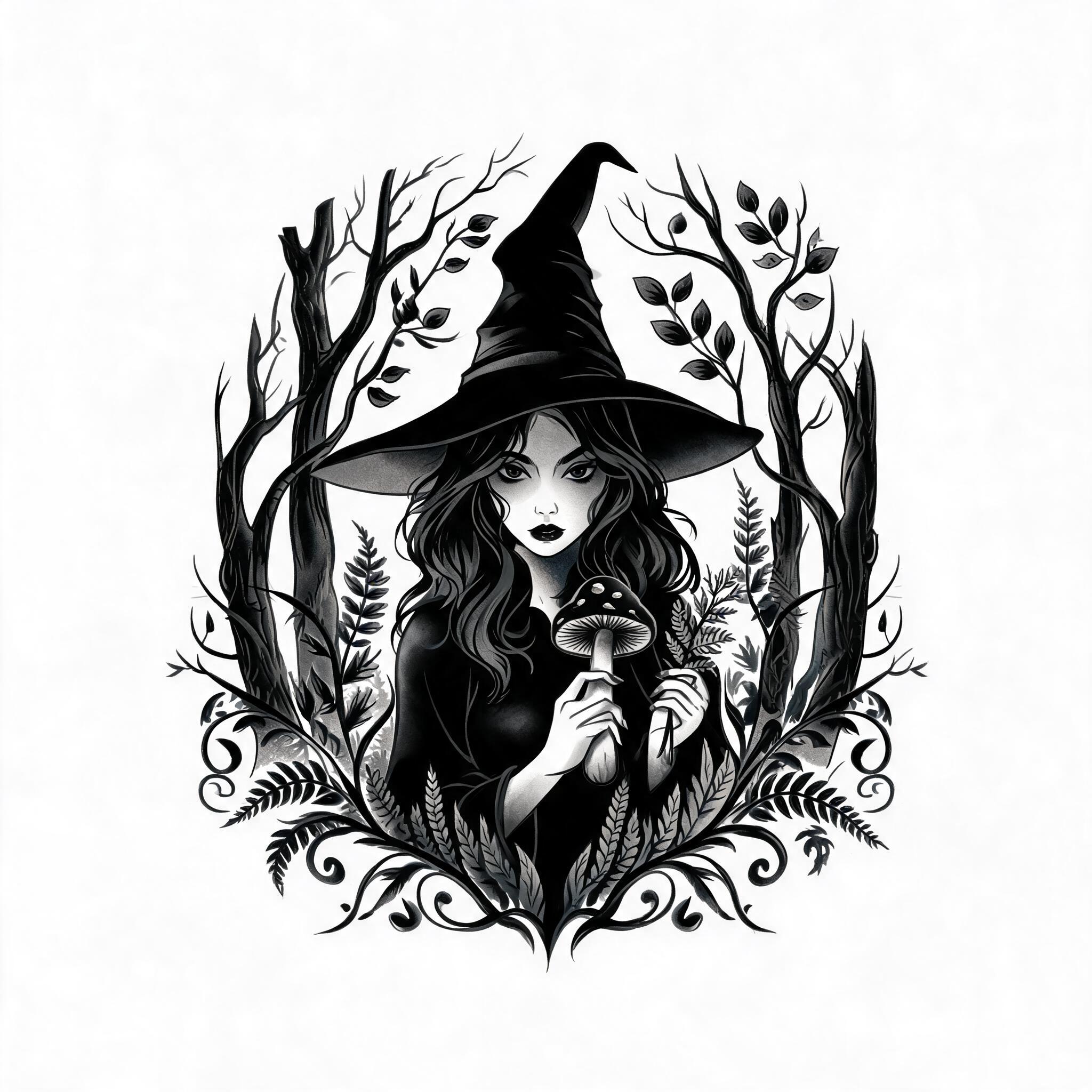
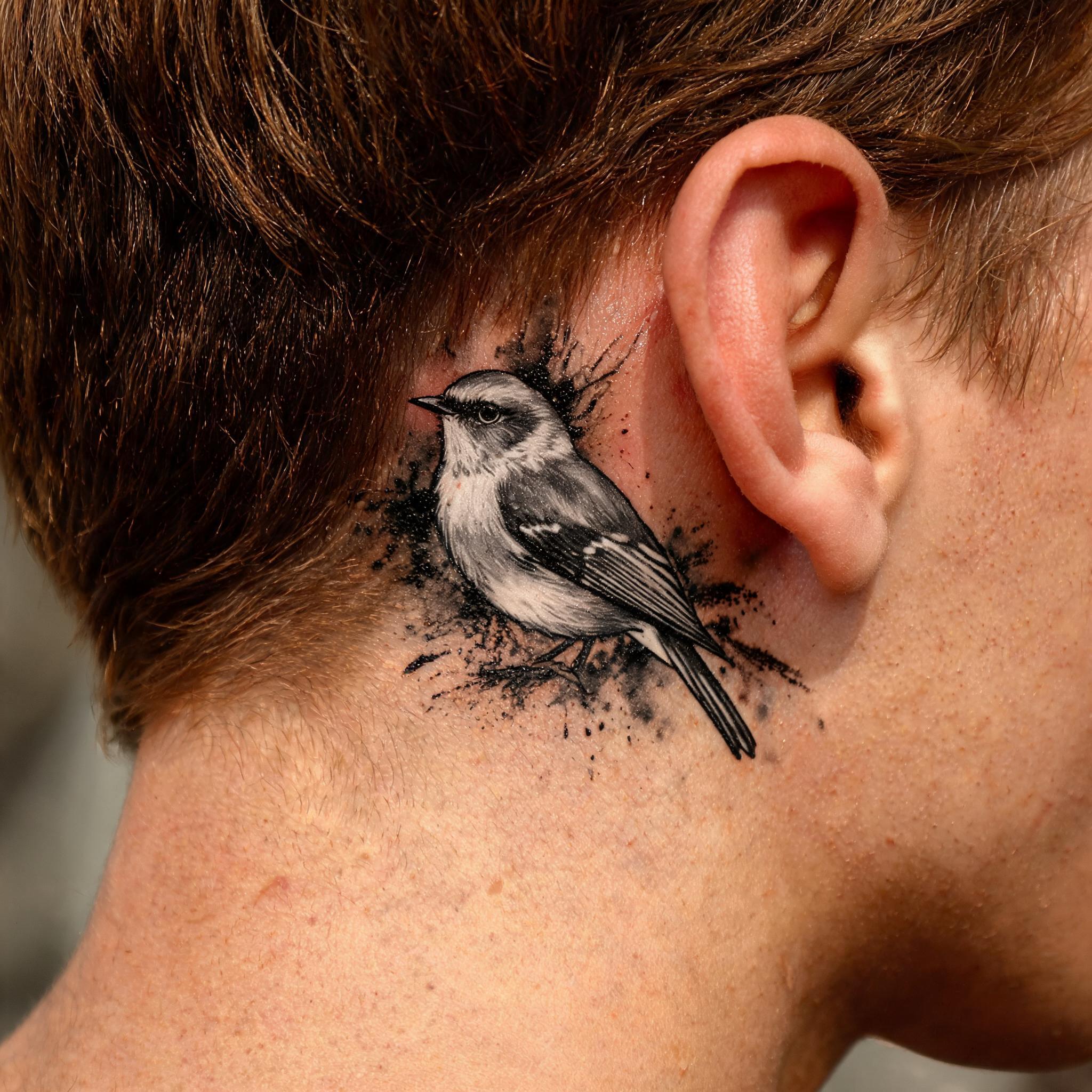
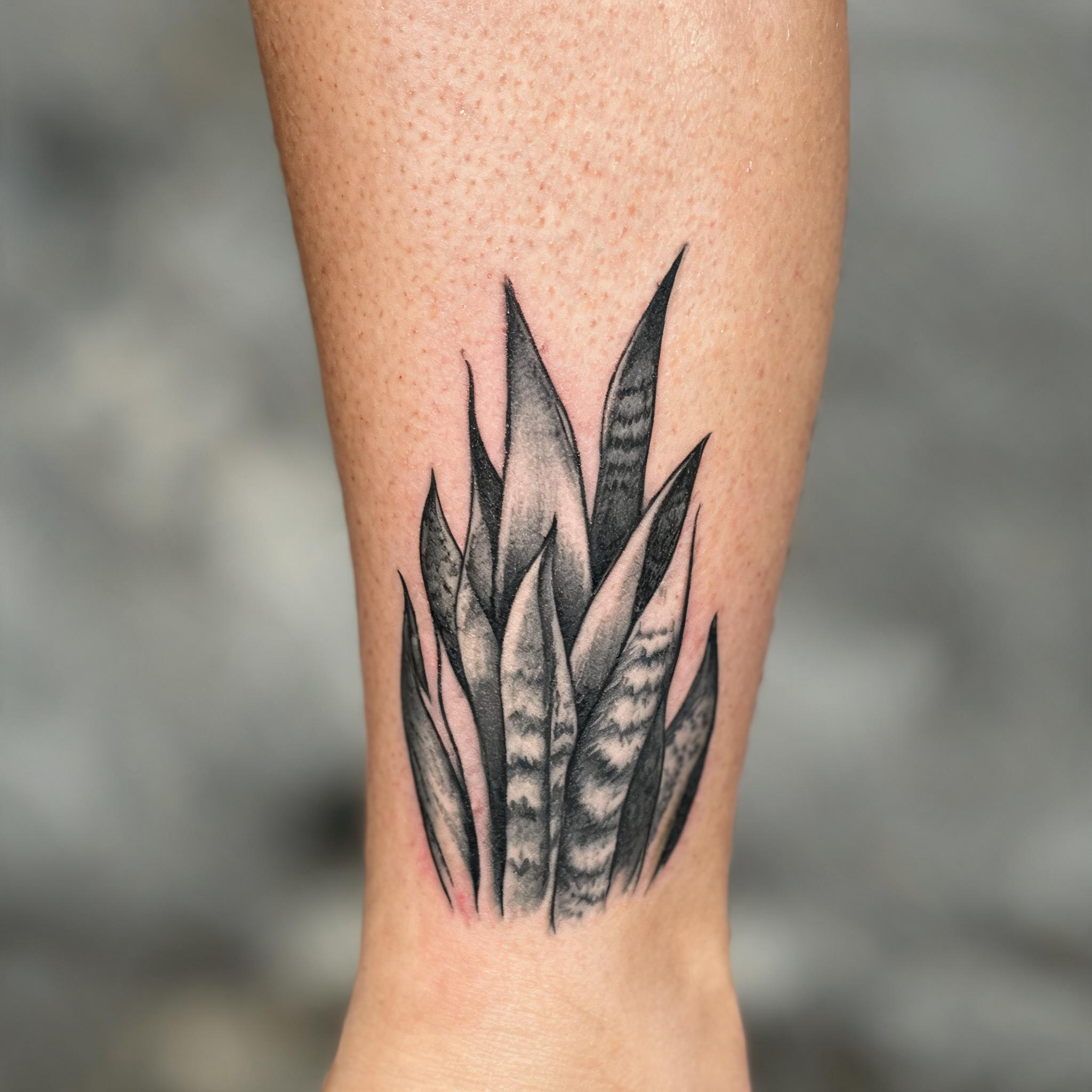
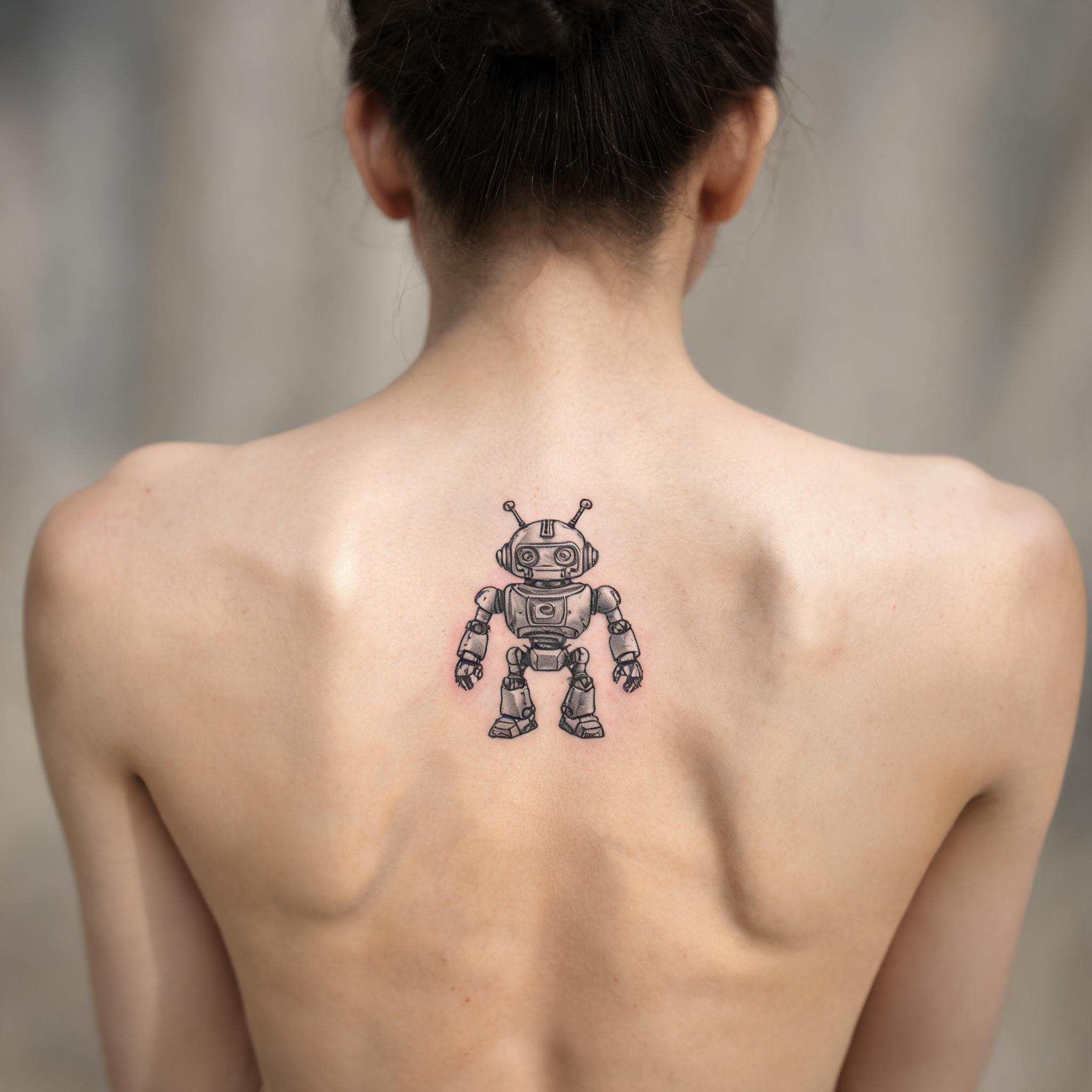
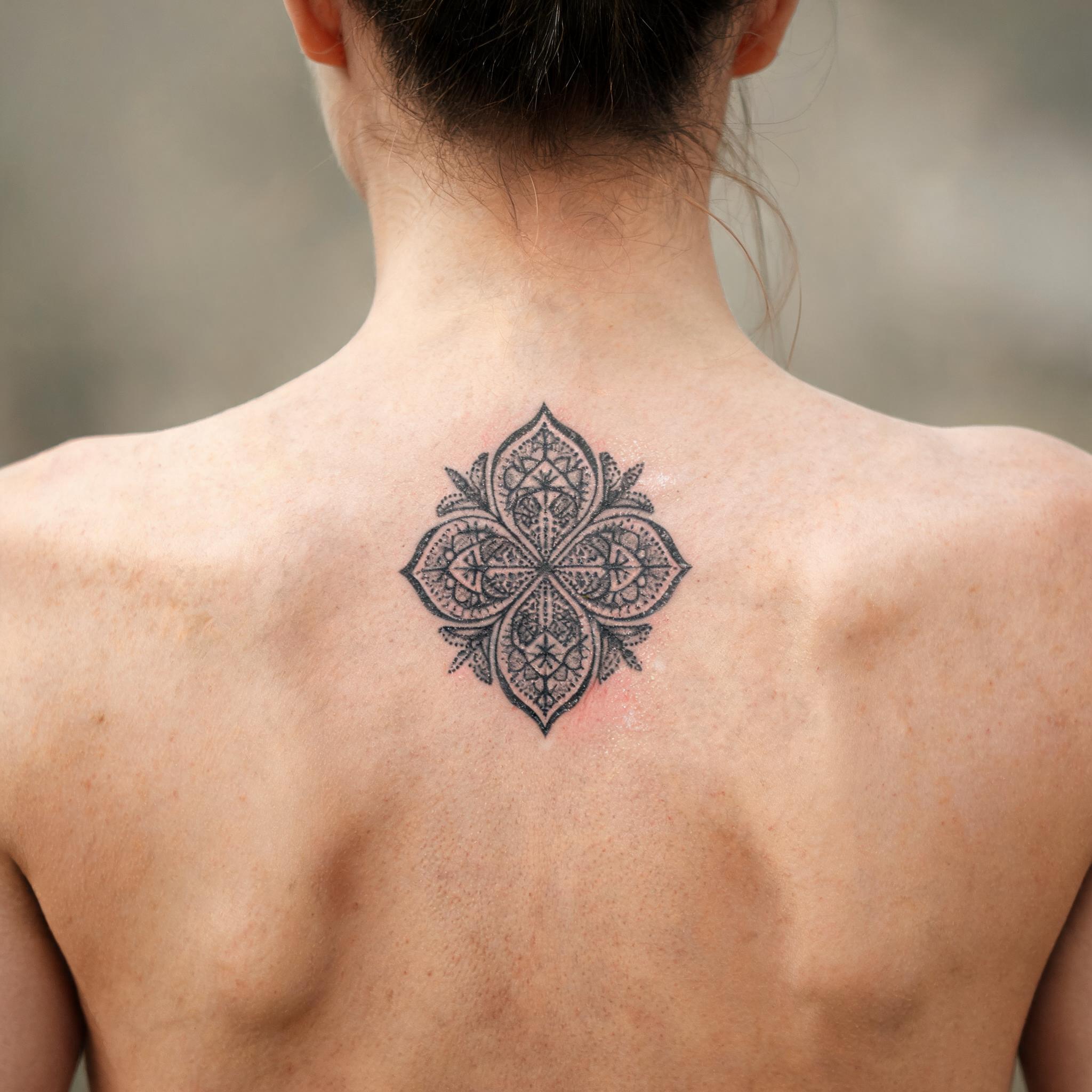
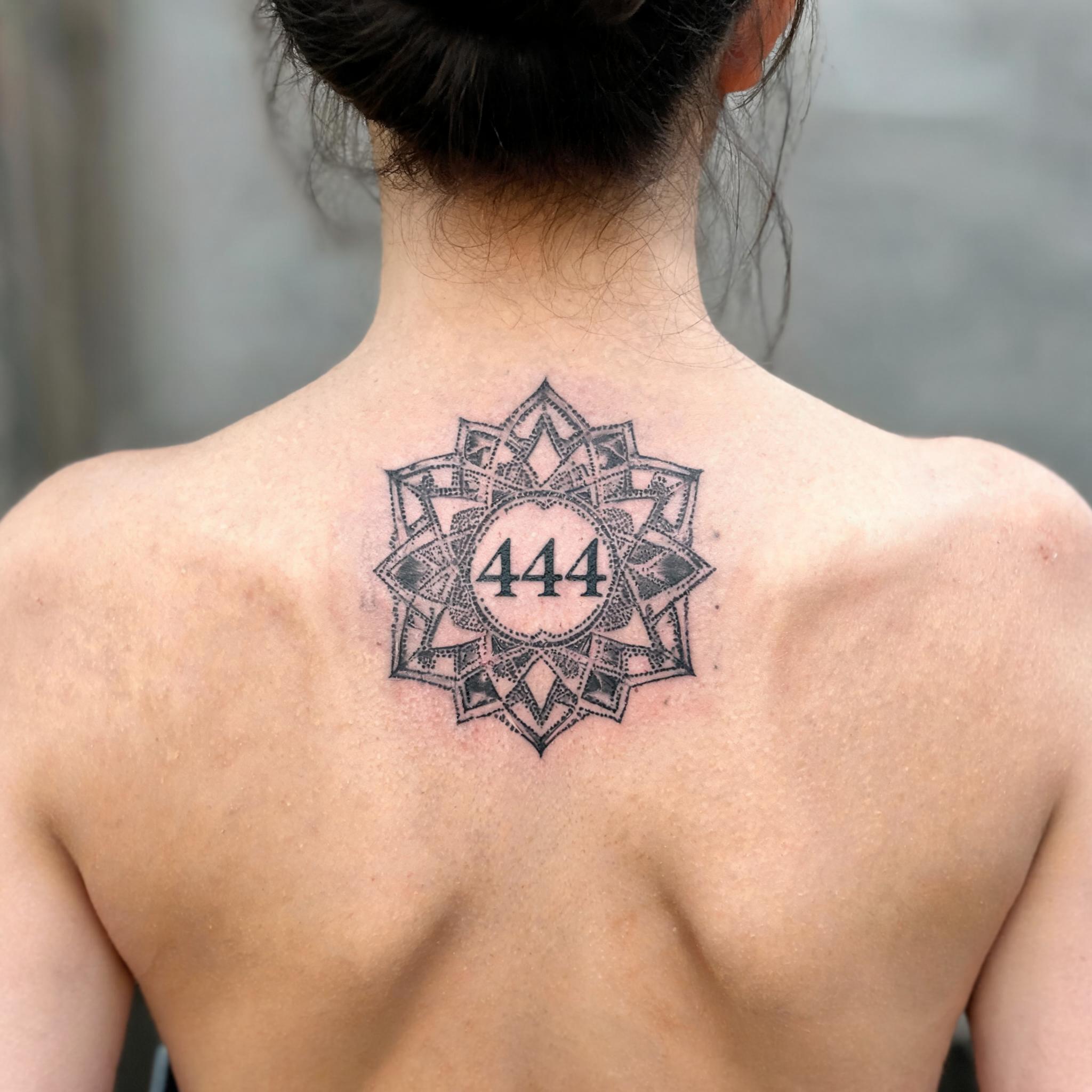
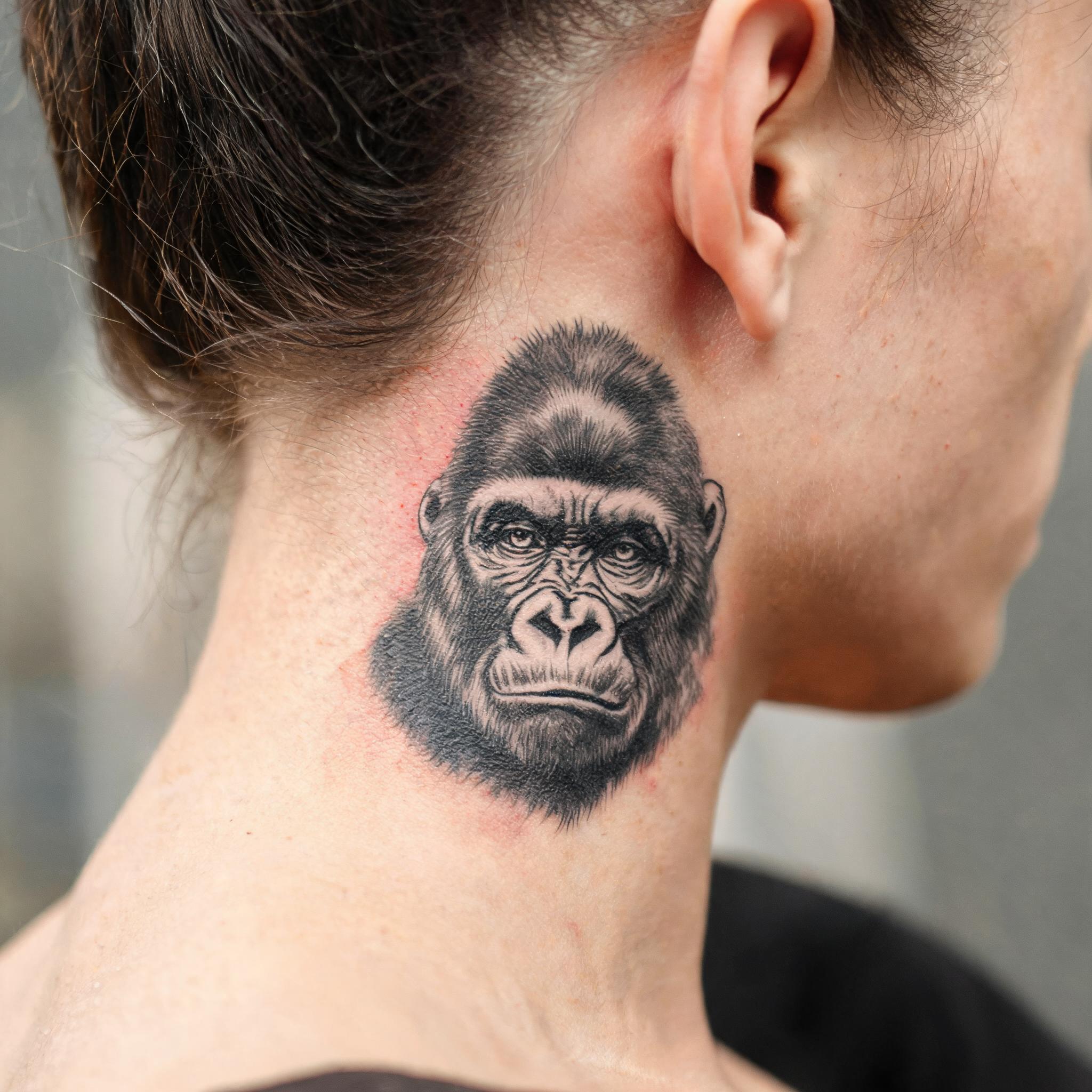
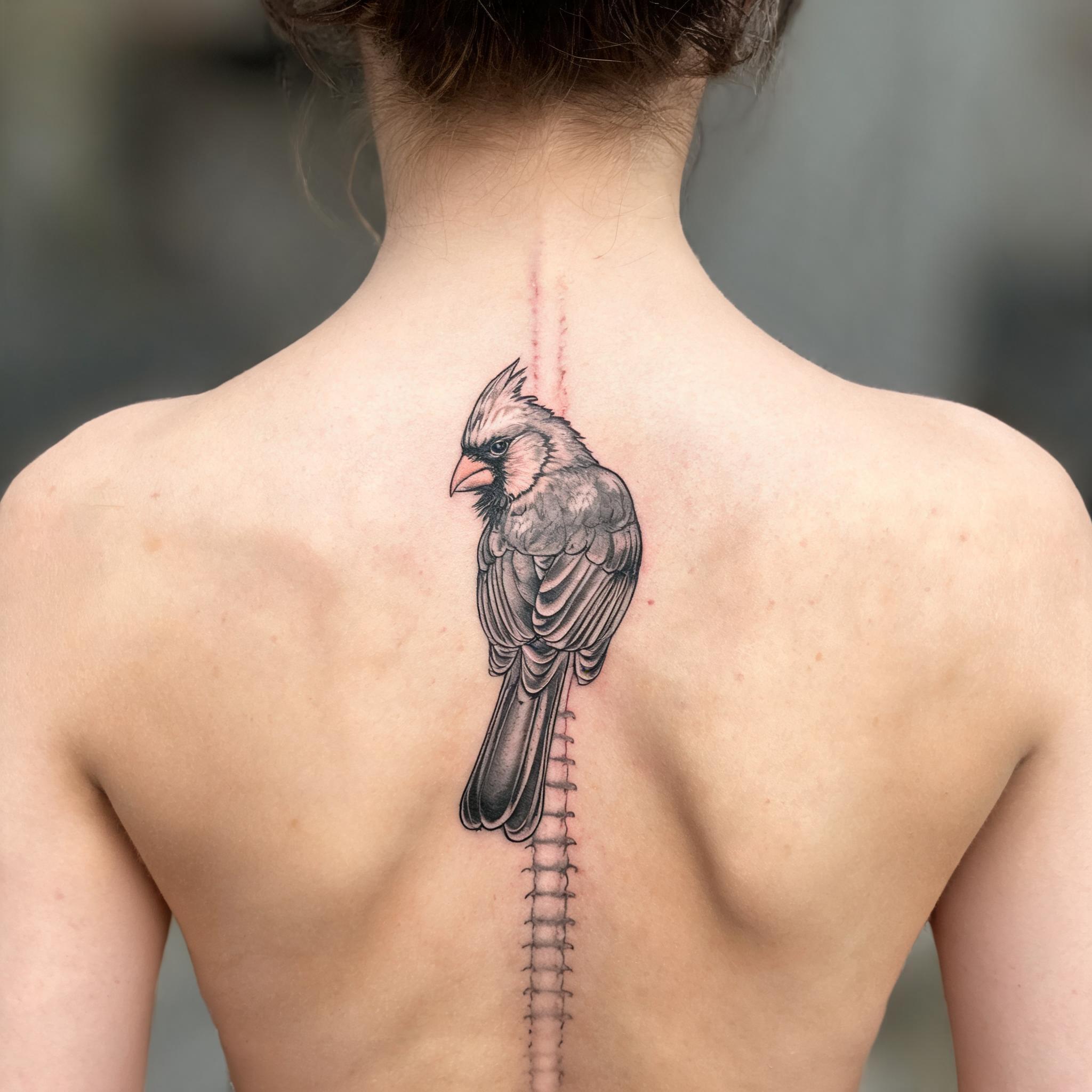
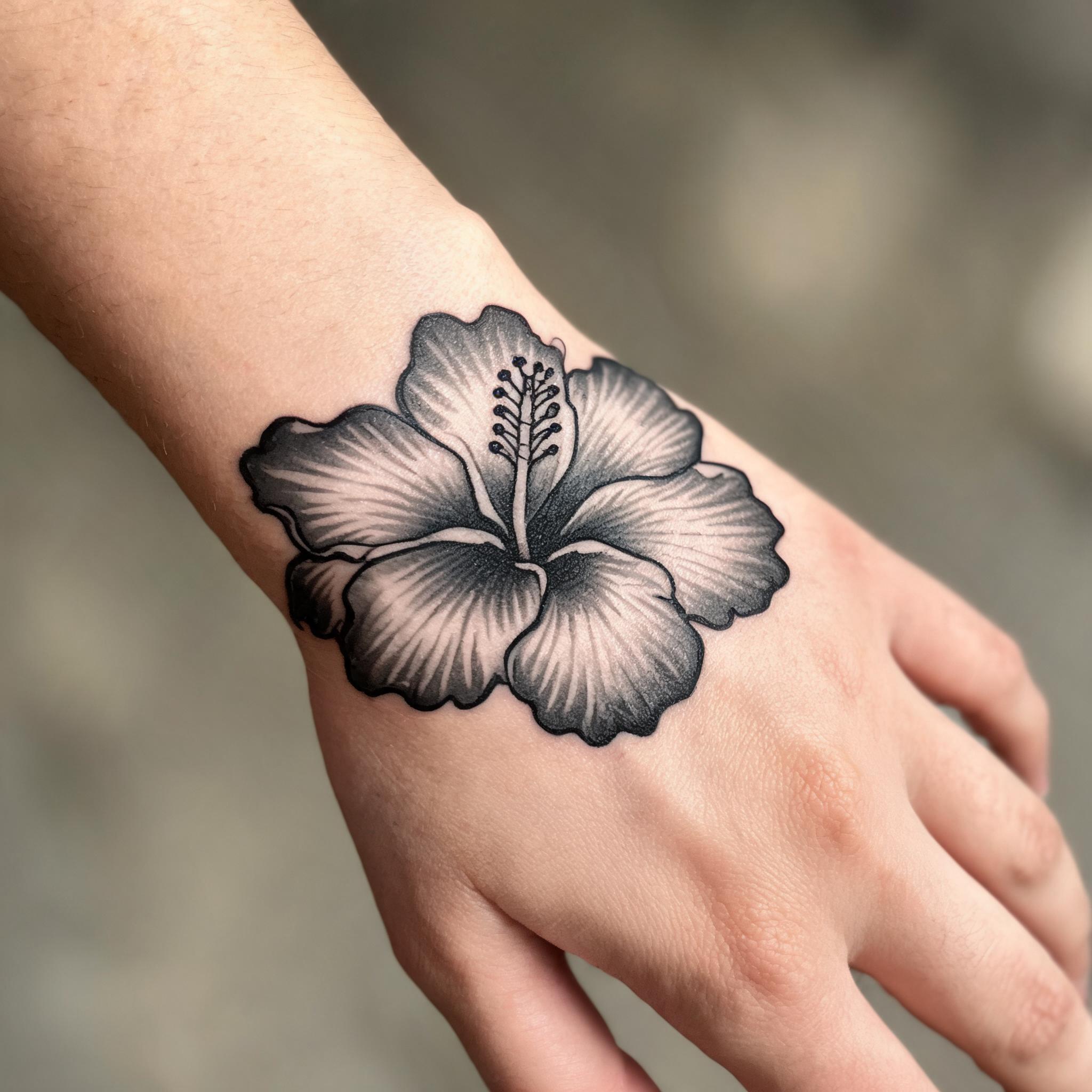
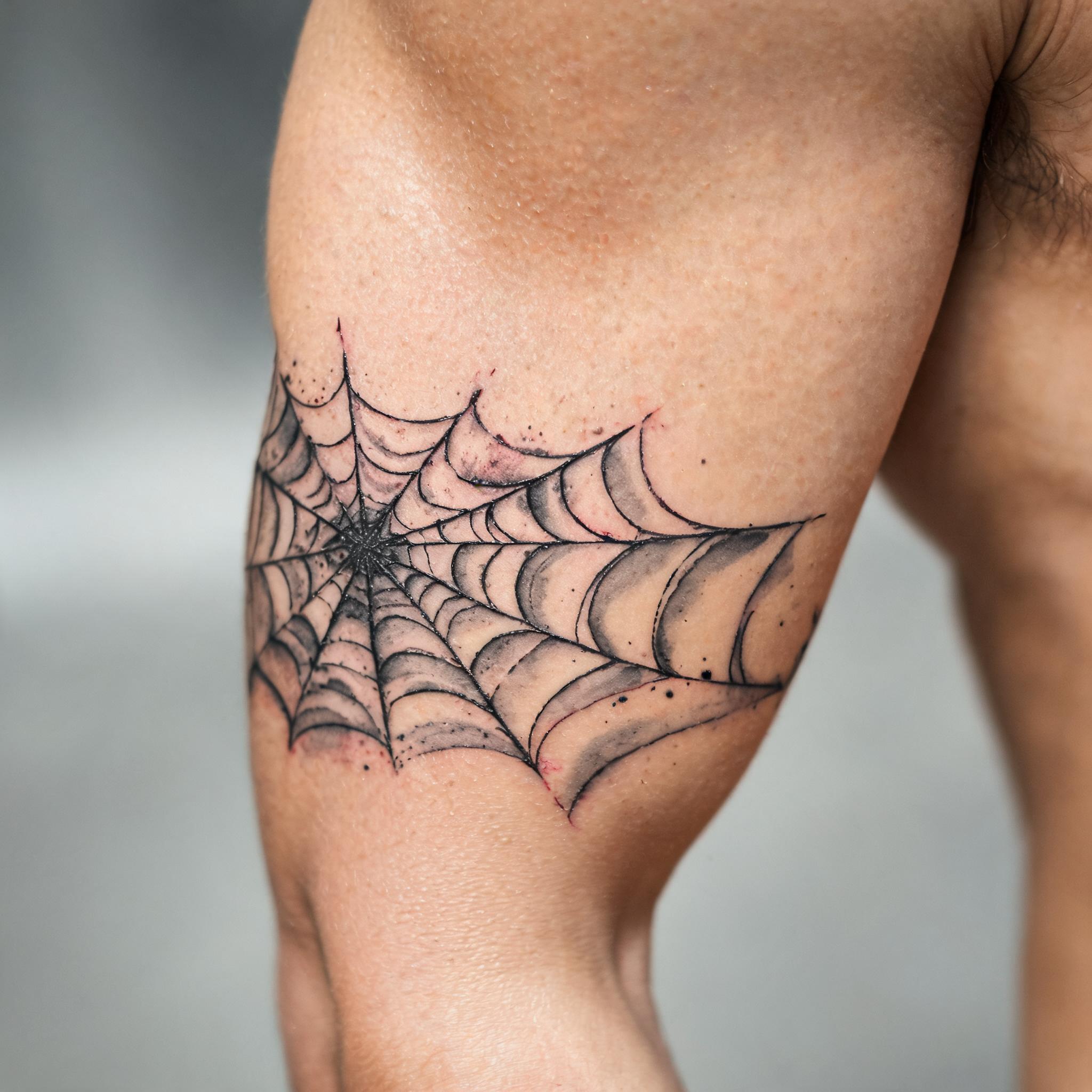
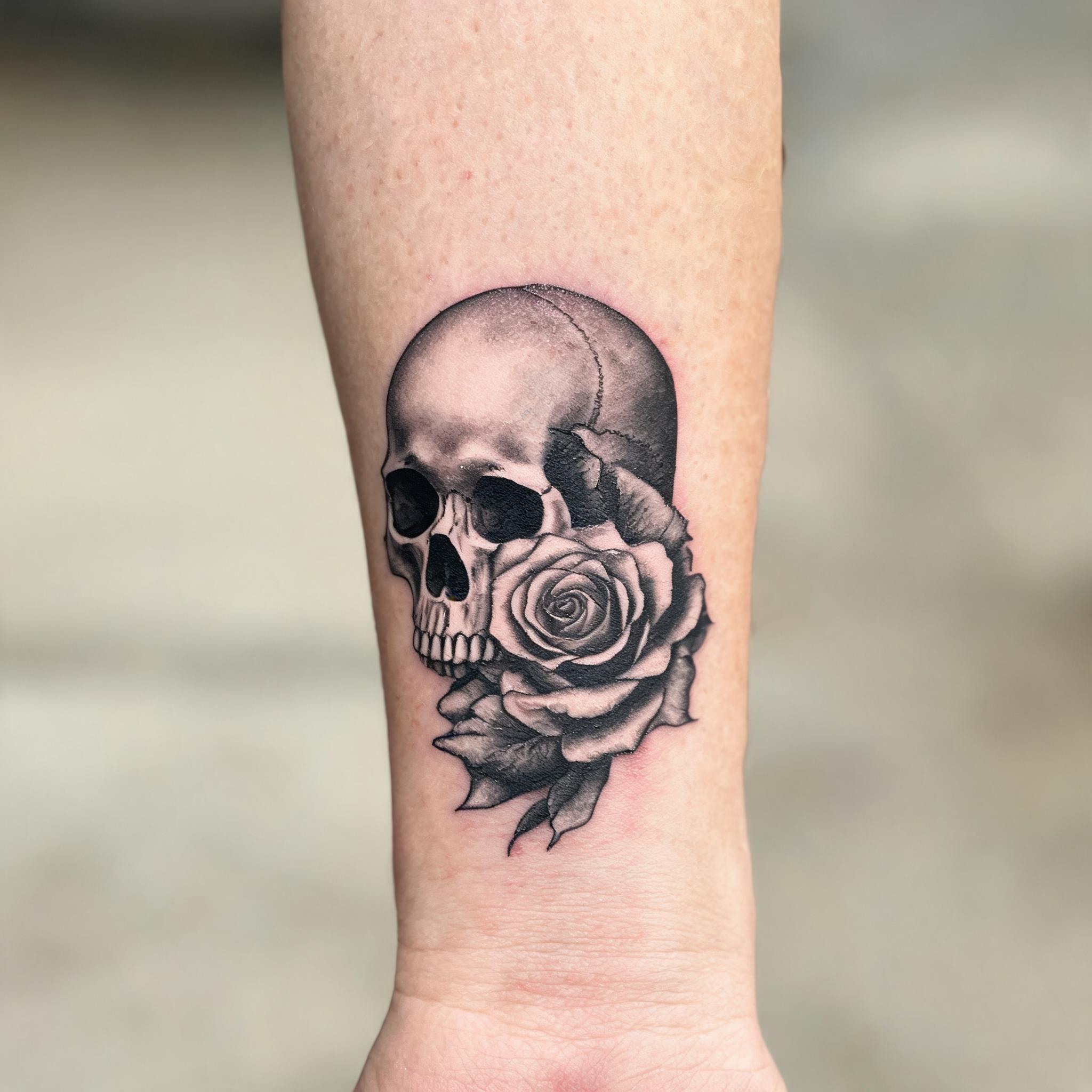
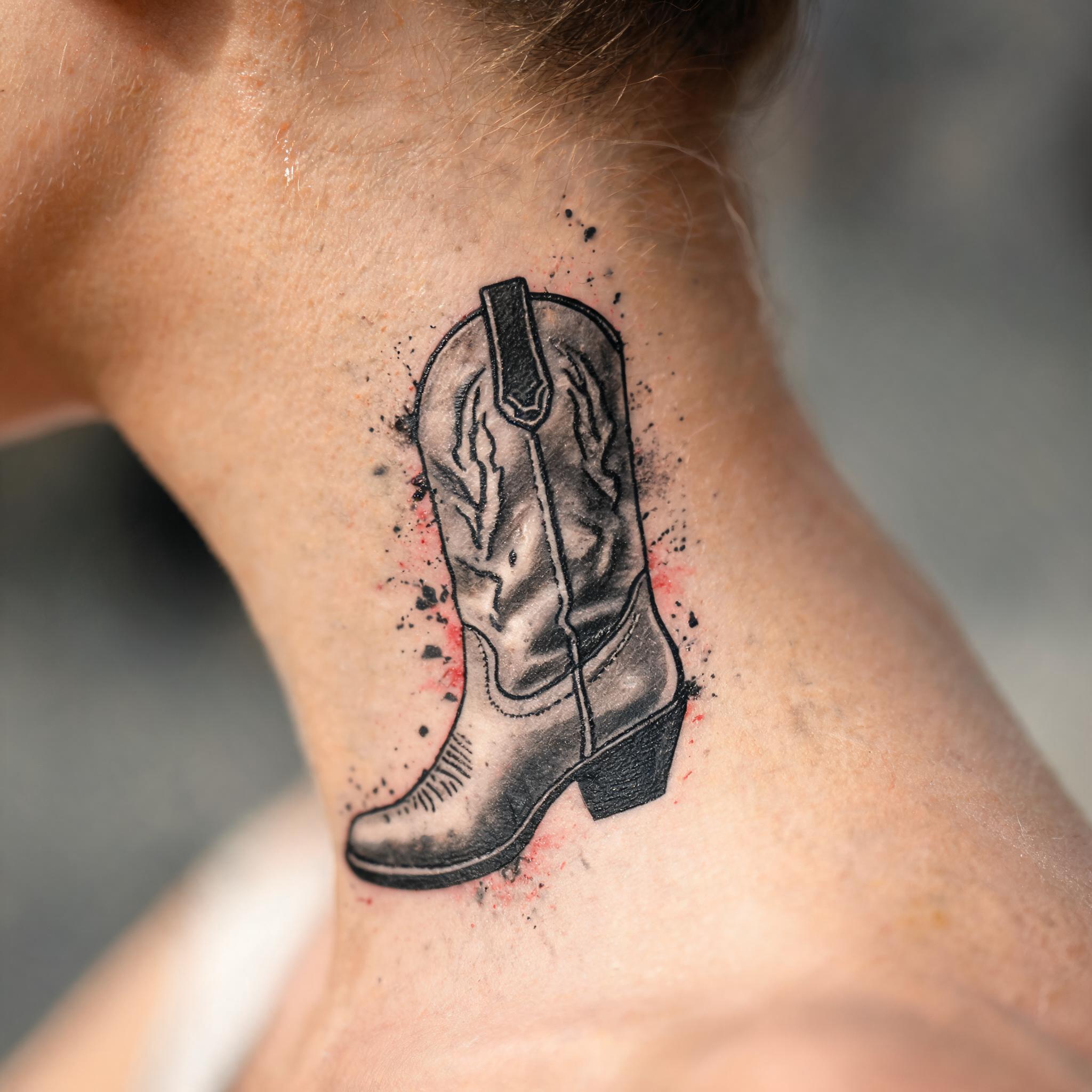
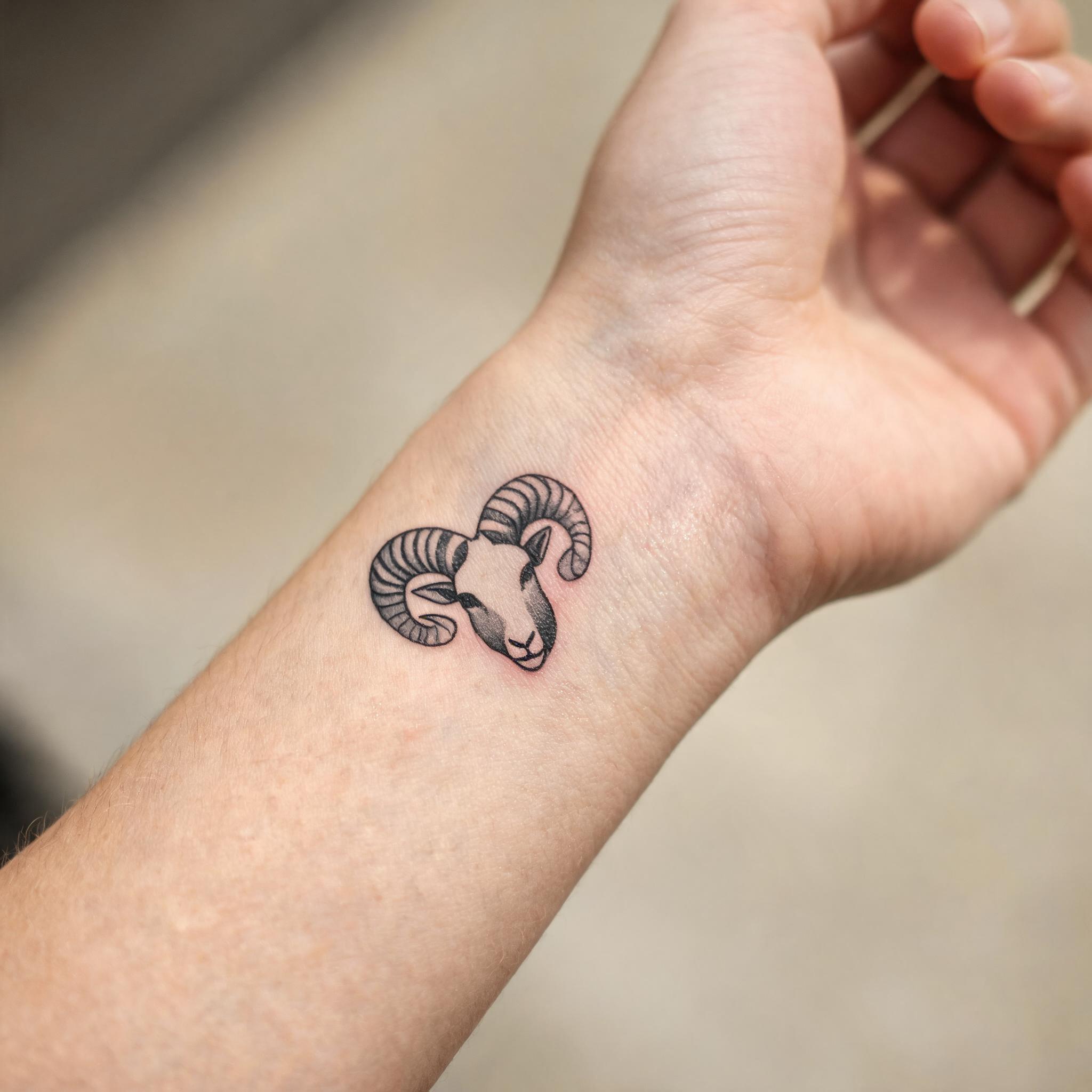
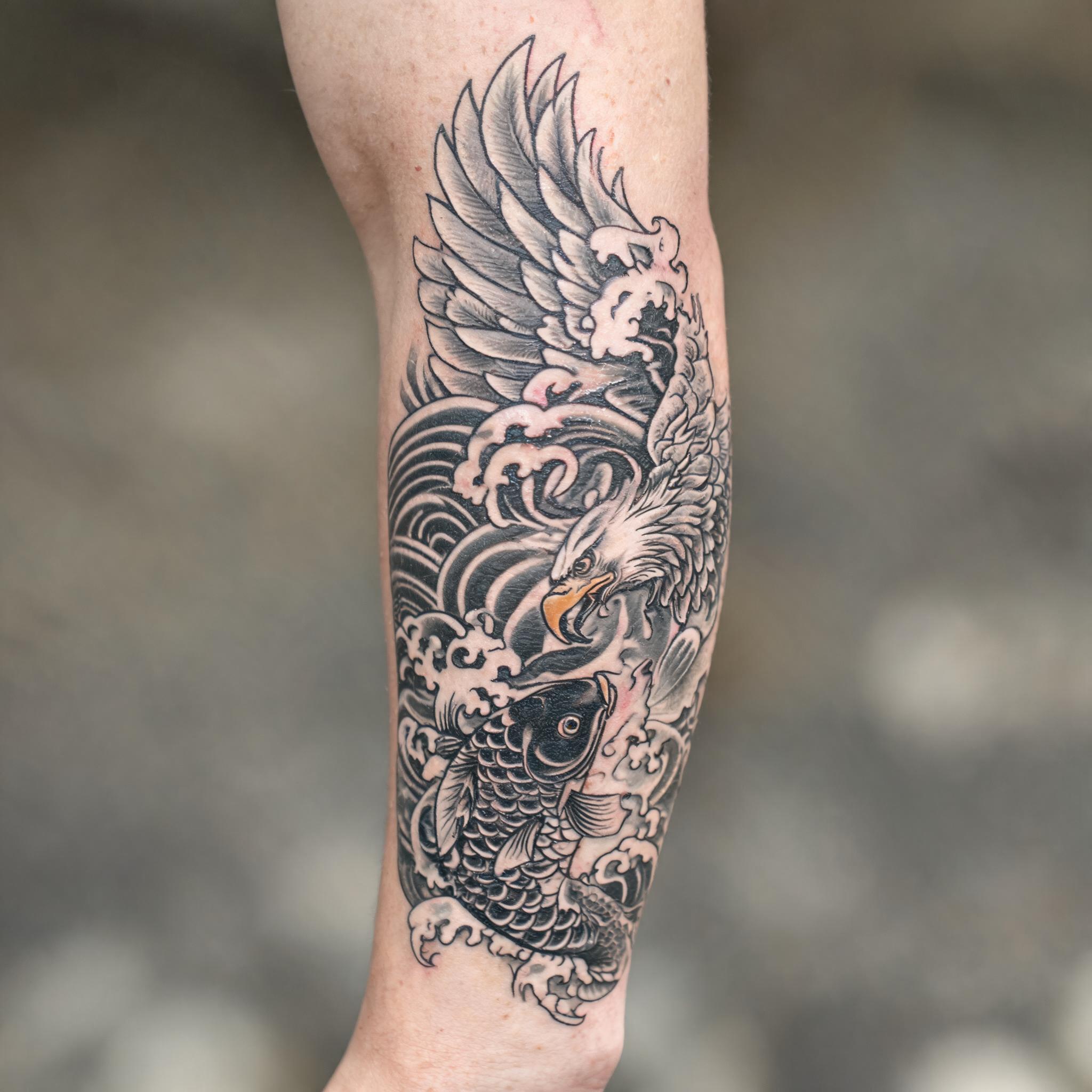
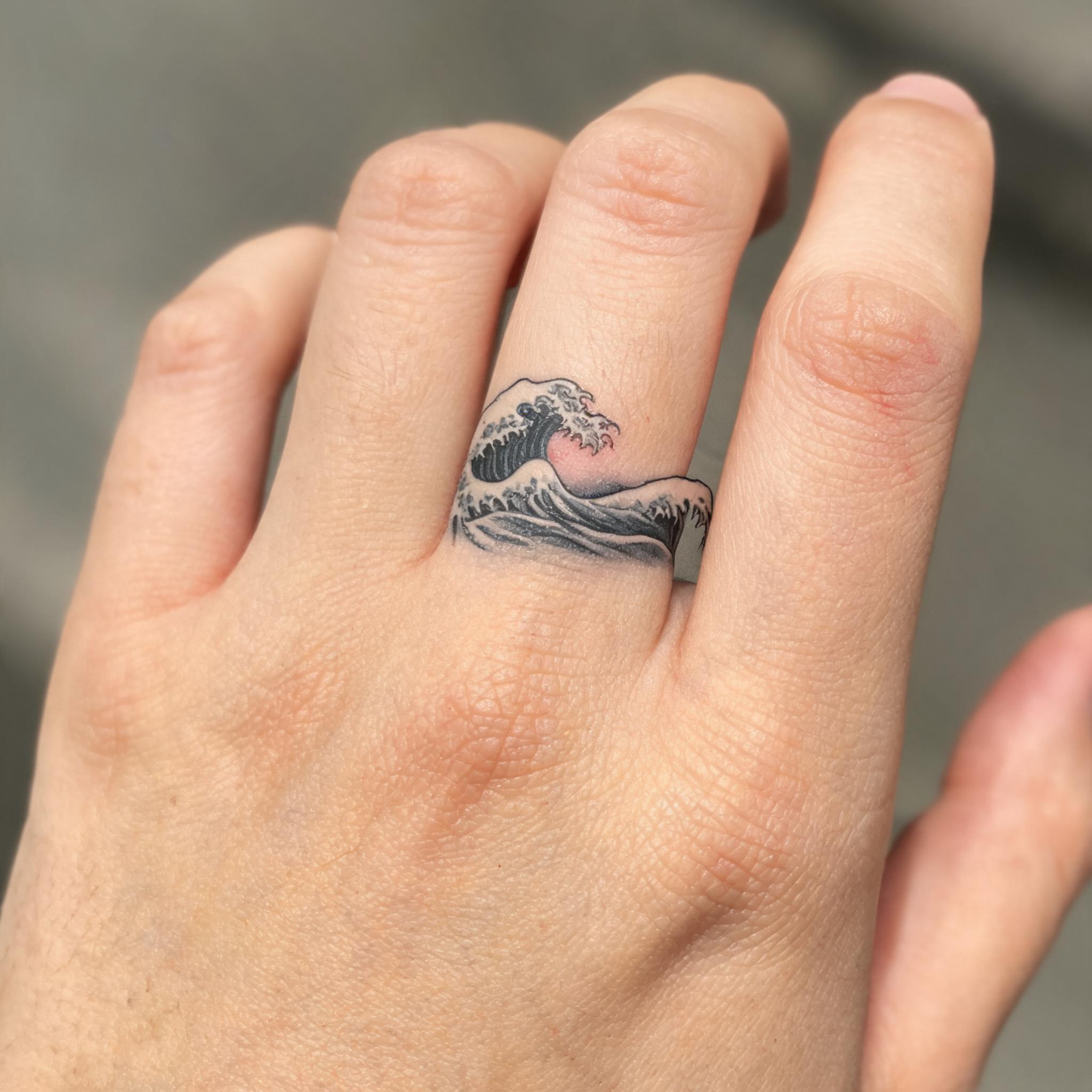
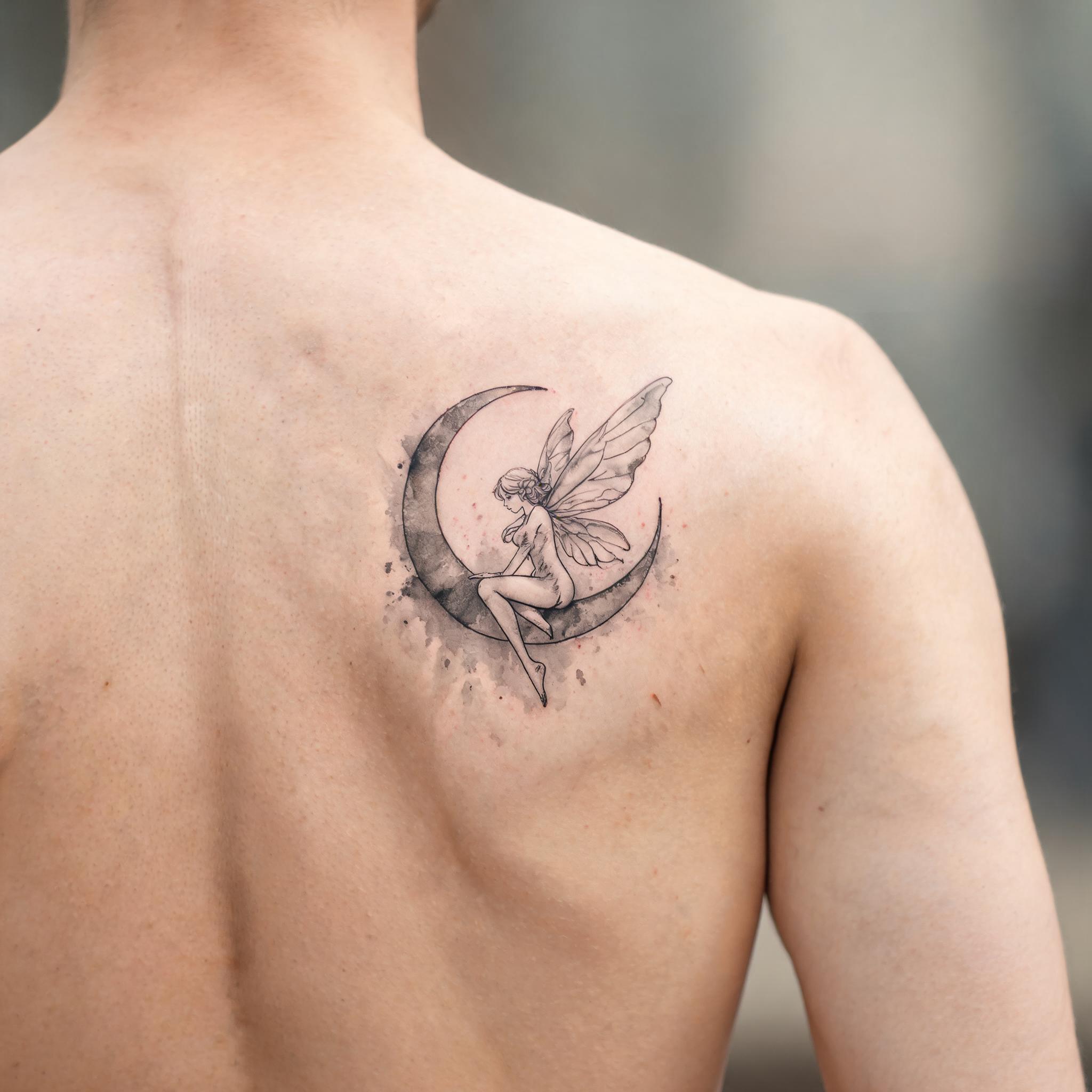
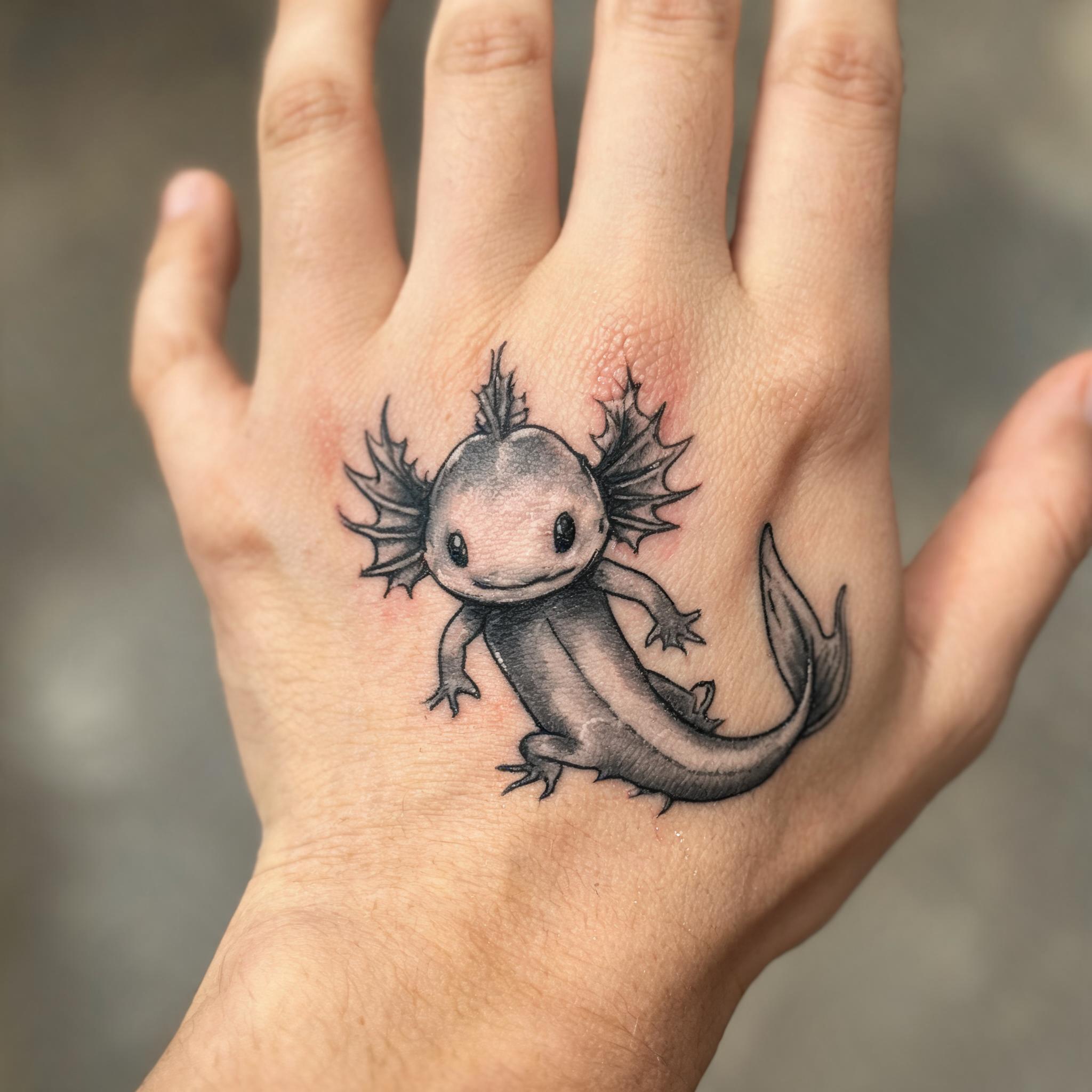
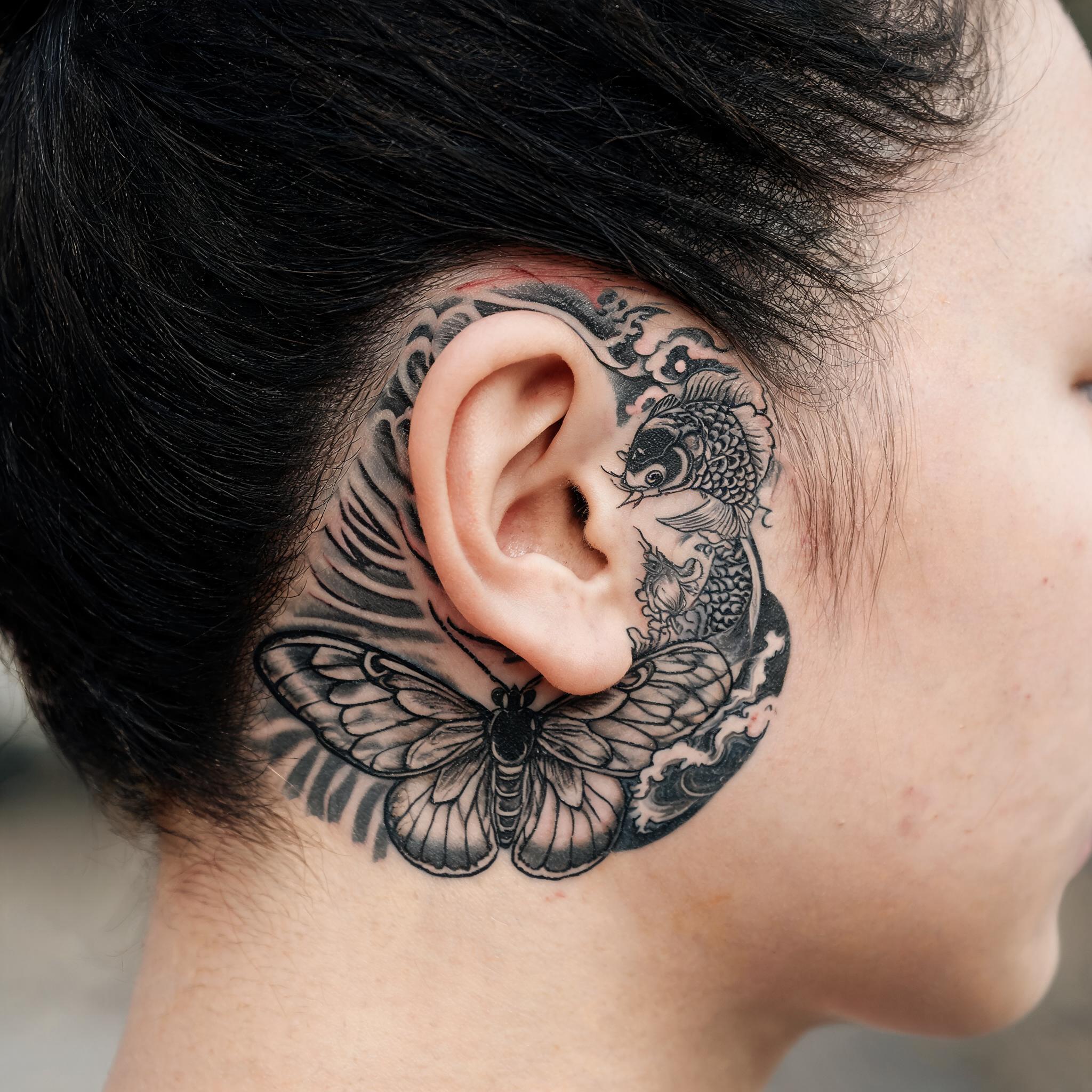
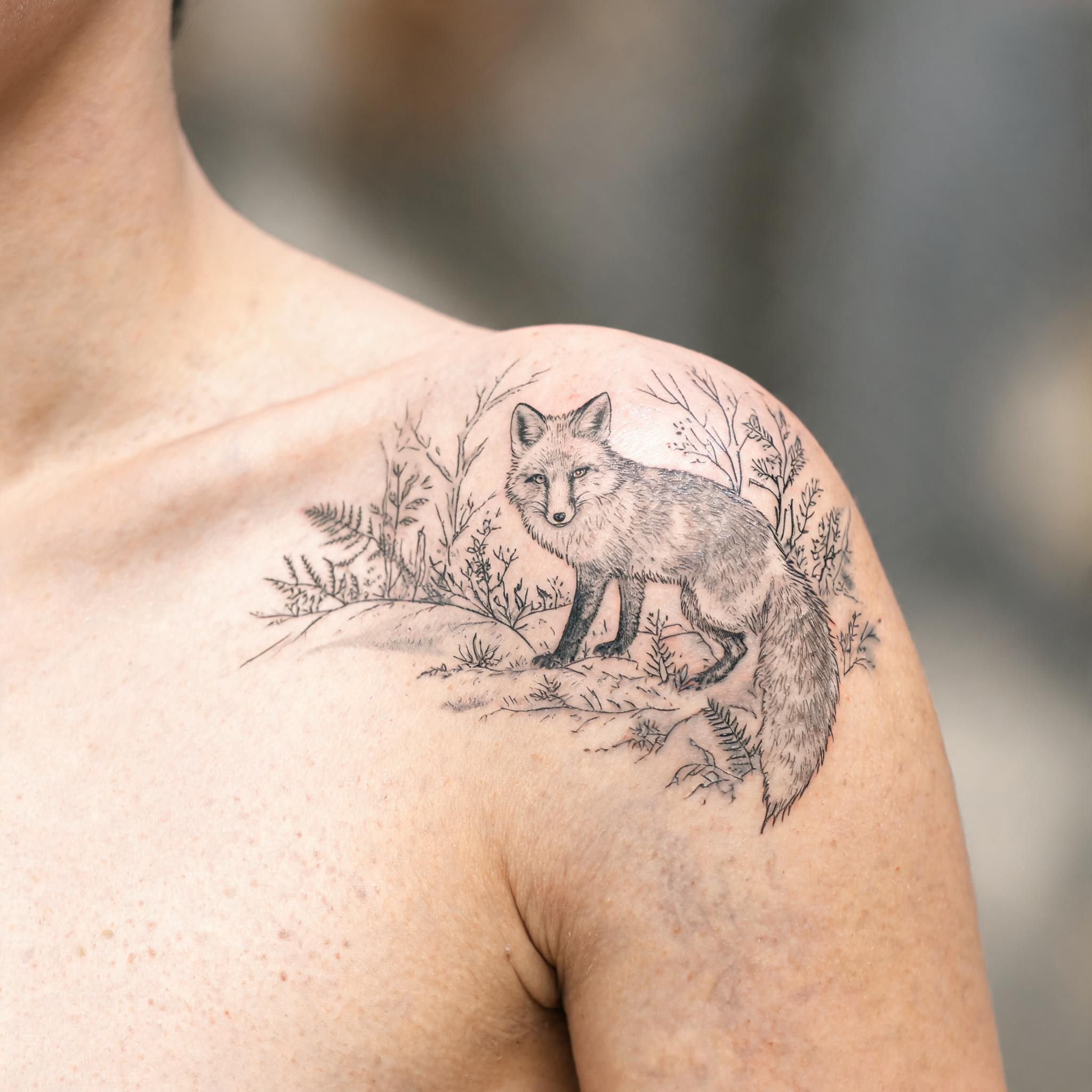
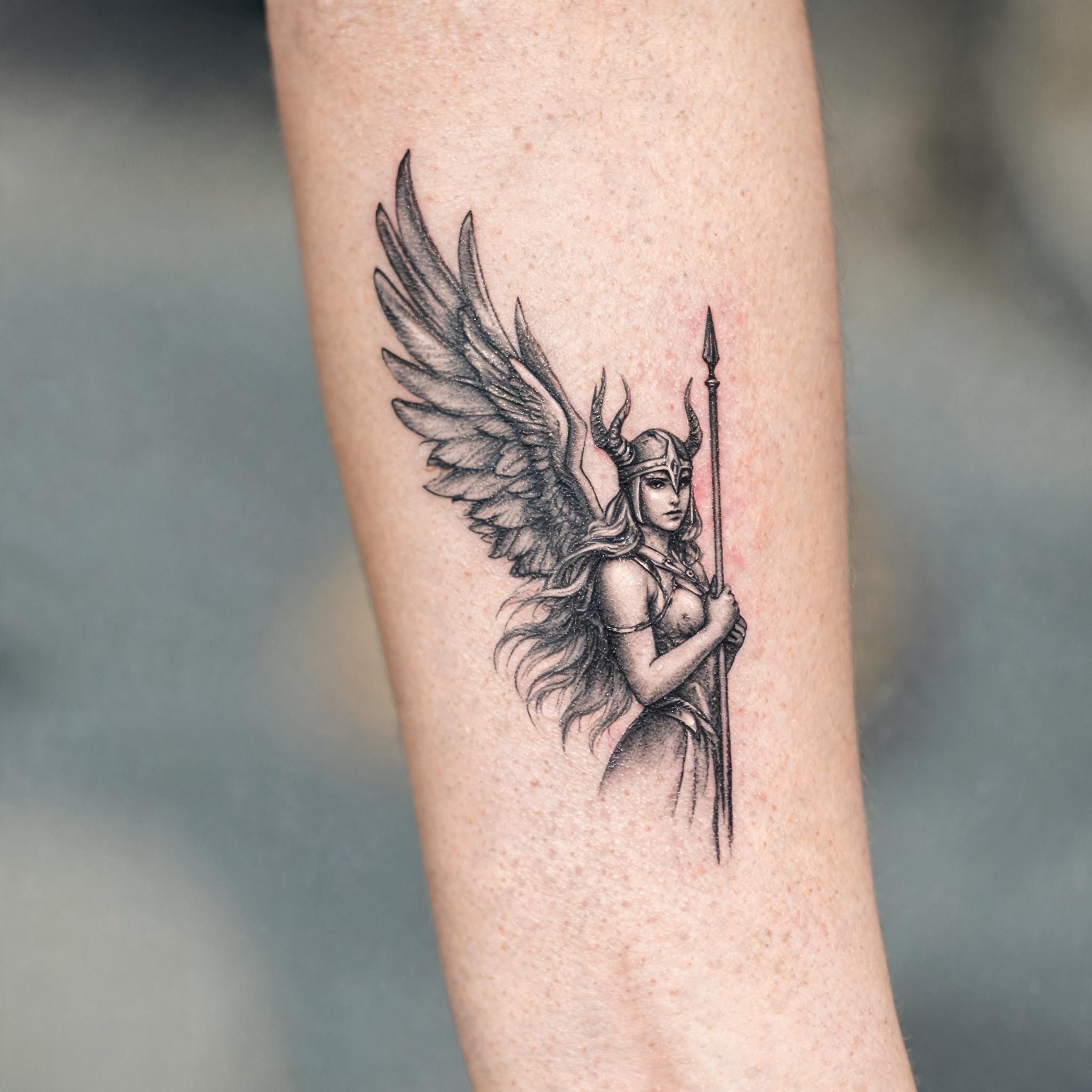
Create a clean white-background tattoo design, explore the direction you like, then bring it to your artist as a starting point for the real piece.
Every design is generated cleanly on white, so the artwork stays the focus and is easy to share with your artist.
Start with a few words, then use the prompt helper to turn your thought into a clear tattoo direction.
Choose a tattoo style and ink treatment, from crisp line art to black and grey or full color.
Each new design is saved to the gallery and filed by subject, so it stays easy to discover as your collection grows.
Start with a few free ideas, then choose the plan that gives your tattoo concepts room to grow.
Pay once. Your image credits are added after checkout and do not renew automatically.
For testing a couple of tattoo directions without a monthly plan.
Buy 30 creditsFor trying styles, subjects and variations at your own pace.
Buy 100 creditsUse your generated design as a visual brief, then work with a professional artist on the final tattoo for your skin, placement and scale.
Yes. Bring it as a clear visual reference for the subject, style and mood you want. Your artist should still redraw or adjust the final piece for your body, skin tone, placement and long-term healing.
A clean background keeps the tattoo artwork easy to inspect, download and share. It lets you focus on the linework, composition and colour treatment without a body photo getting in the way.
Start with Creative Freedom if you want the AI to choose the visual direction. Choose Line art only for clean outlines, Black & grey for classic shading, or Full color when colour is central to the idea.
It turns a short thought into a more specific image prompt. Use it when you know the subject but need help describing the composition, visual mood or tattoo details.
Use Lettering / Script to explore layout and visual direction, then ask your artist to set the final wording. Always check the spelling and typography before anything goes on skin.
Successful generations are saved to the Tattloom gallery and organised by subject, style and other design details so visitors can discover related tattoo ideas.
Change the subject, style or ink treatment and generate another version. Each image is a fresh direction, so small changes in your prompt can lead to noticeably different artwork.
This is the sheet to hand to your artist: flat, high-contrast linework with the skin stripped out. Nothing here changes your original design — it's the same artwork, redrawn for stencil transfer.